
Fax remains one of the most common ways referrals enter a specialty practice or imaging center, and manually processing each one, reading it, retyping the patient’s details, and following up, takes significantly more staff time than most practices account for. Automating fax referral processing replaces that manual work with software that reads an incoming fax, extracts the relevant information, and moves the referral directly into a scheduling workflow, without a person transcribing it by hand.
This guide explains what it actually means to automate fax referral processing, why manual fax handling costs more than it appears to, what separates basic fax digitization from genuine automation, and how DoctorFare automates fax referrals specifically for specialty practices and imaging centers.
What Does It Mean to Automate Fax Referral Processing?
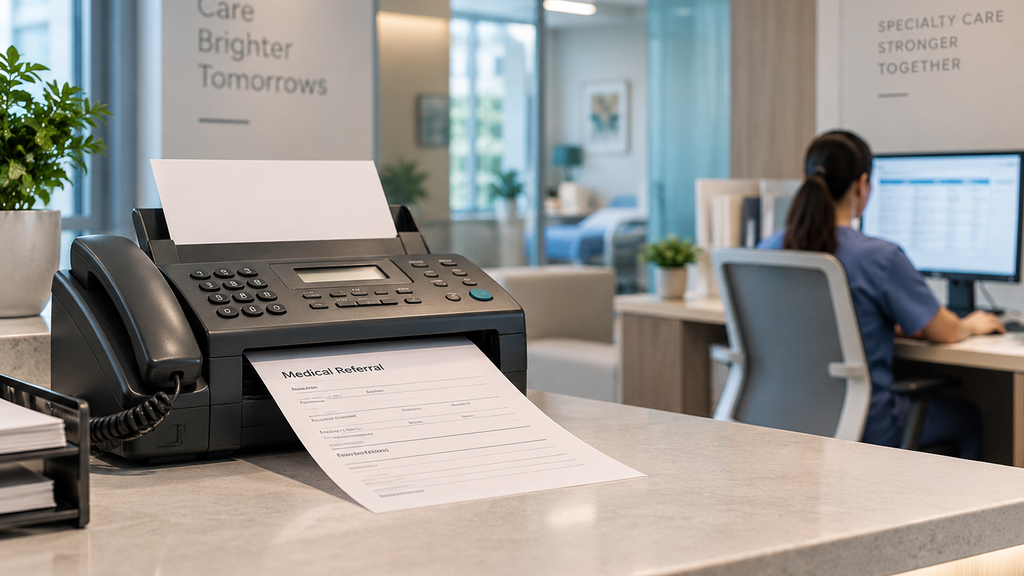
Automating fax referral processing means using software, typically built on AI-based document reading, to take an incoming faxed referral, extract structured information such as the patient’s name, date of birth, referring provider, and reason for visit, and enter that information into a scheduling or referral system automatically, without a staff member manually typing it in.
This is a meaningfully different capability than older fax-to-email tools or basic optical character recognition. Early fax digitization mostly solved the legibility problem, converting a fax image into text that could at least be read on a screen, but it still required a person to read that text, verify it, and enter the data by hand. Genuine fax referral automation goes a step further: the system doesn’t just capture the text on the page, it identifies what type of document it’s looking at, pulls out the specific fields relevant to a referral, and moves that information directly into the next step of the workflow.
Why Fax Is Still Common in Healthcare Referrals
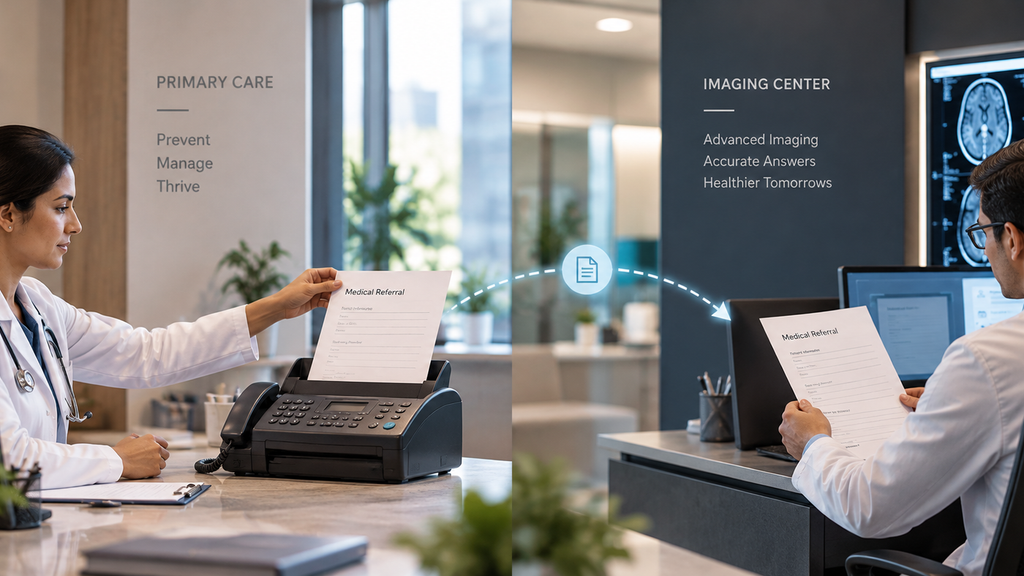
It’s a fair question why fax persists at all in an era of digital health records. The honest answer is that referring providers, receiving specialists, and imaging centers don’t all run on the same systems, and fax remains one of the few communication methods that works reliably across completely different, often incompatible software. That’s precisely why automating the fax itself, rather than trying to eliminate it as a channel, is usually the more practical path for most practices. The goal isn’t to get rid of fax. It’s to remove the manual work that currently sits on the other end of it.
Why Manual Fax Processing Costs More Than It Looks Like
Manual fax handling appears inexpensive because there’s no software subscription attached to it. In practice, the real cost shows up in staff time and errors rather than as a clear line item on a budget.
Processing a single faxed referral by hand, reading it, confirming the details, and entering it into a scheduling or referral system, commonly takes a staff member somewhere in the range of ten to fifteen minutes per document. Multiplied across a busy referral coordinator’s daily fax volume, that adds up to hours of labor every week spent purely on data entry, time that could otherwise go toward patients already in the building or referrals that genuinely need a person’s judgment.
The bigger risk shows up when the process breaks down. A misread name or date of birth delays scheduling and can send a confirmation to the wrong contact. A fax that sits untouched in a queue for a day or two increases the likelihood that the patient books elsewhere before anyone follows up. And because manual fax handling typically depends on one or two staff members who understand the informal process, a single absence, illness, or staff turnover event can cause referrals to back up quickly, with no one else able to step in and catch up right away.
What Separates Basic Fax Digitization From True Automation
Not every tool marketed as fax automation actually removes the manual work involved. A few distinctions are worth checking before assuming a platform automates the process end to end, rather than simply making the fax easier to read.
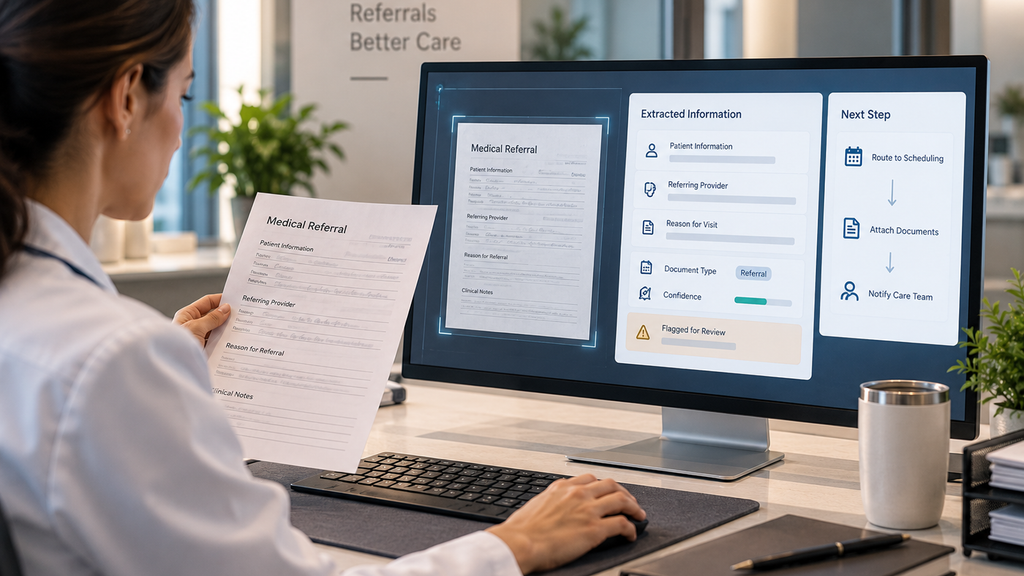
Document understanding, not just text recognition. Basic OCR converts a fax image into text that a person still has to read and interpret line by line. Genuine fax automation identifies what type of document it’s looking at, a referral, a lab result, an authorization request, and extracts only the fields relevant to that specific document type.
Structured data extraction, not a text dump. The output should be discrete, usable fields, patient name, referring provider, reason for visit, not a block of unformatted text that someone still has to comb through manually.
Direct routing into a workflow. Once information is extracted, the referral should move directly into scheduling or a referral queue, rather than simply being saved as a searchable file that still requires a staff member to follow up on it manually.
Flagging what’s unclear, instead of guessing. Handwriting varies, and fax quality is often inconsistent. A dependable system flags missing or ambiguous information for a staff member to review, rather than silently entering something that might be incorrect and letting the error travel downstream.
Staying connected to what happens next. Automation that stops at “we read the fax” solves only part of the problem. The real value comes from what happens after extraction, whether the referral moves cleanly into booking, or whether it just becomes a more organized version of the same manual follow-up process.
Automating Fax Processing vs. Manual Handling
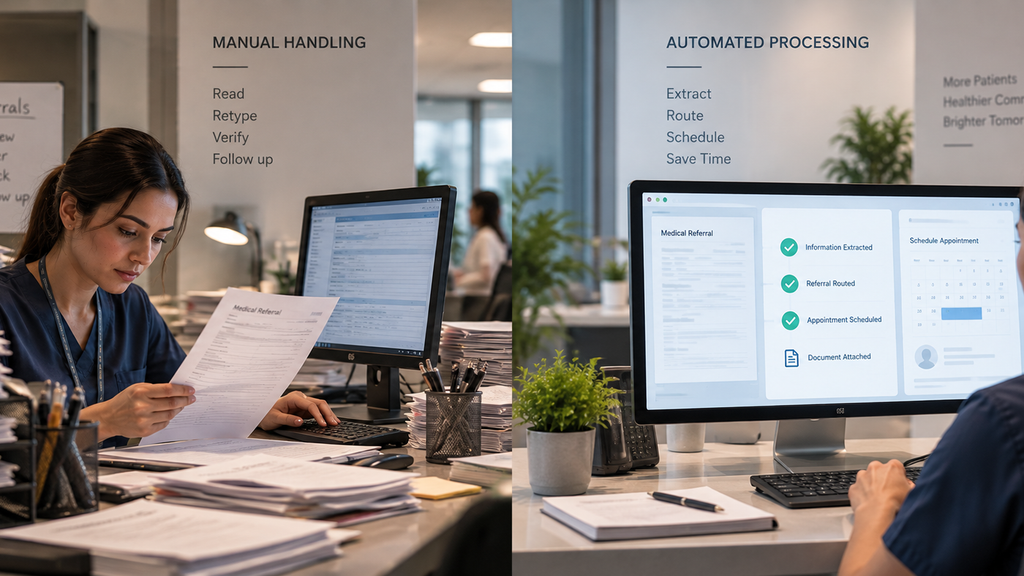
Laid side by side, the difference between manual fax handling and automated processing shows up across every stage of the referral.
Reading the document. Manual handling means a staff member reads the fax and interprets any unclear handwriting themselves. Automated processing reads the document and extracts structured fields automatically.
Data entry. Manual handling means retyping patient and referral details into a separate system. Automated processing enters that information directly, without a second manual step.
Time per referral. Manual handling typically takes ten to fifteen minutes per document. Automated processing reduces that to a review step, reserved for anything flagged as unclear.
Consistency. Manual entry is only as consistent as the person doing it that day. Automated extraction applies the same process every time, regardless of staff workload or turnover.
What happens after intake. With manual handling, the fax being read is often the end of the automated part of the process, everything after depends on someone remembering to follow up. With genuine automation, the referral moves directly into the next step of the workflow.
How DoctorFare Automates Fax Referral Processing
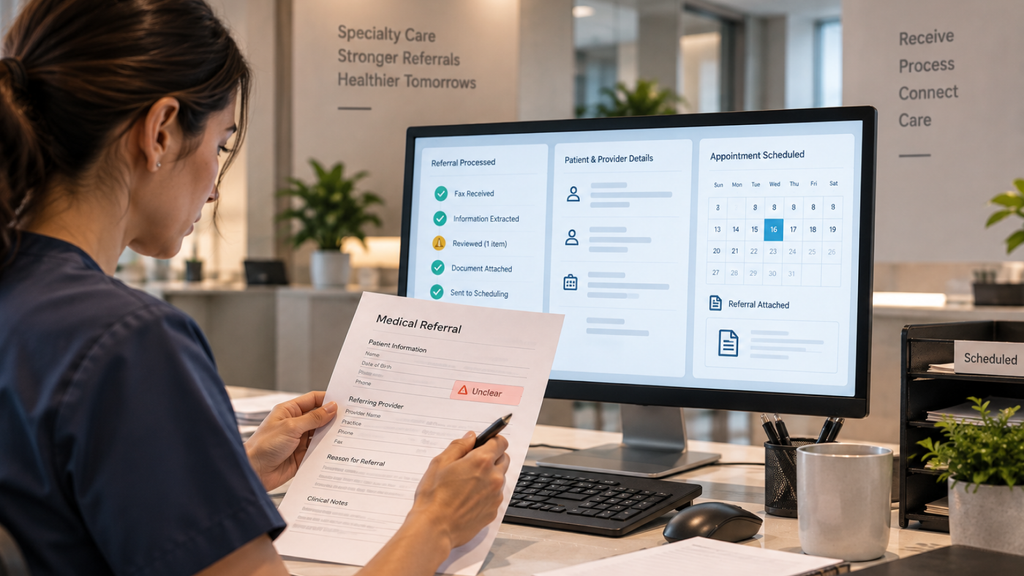
DoctorFare’s AI referral capture is built around these distinctions specifically for specialty practices and imaging centers, where faxed referrals remain a significant intake channel despite broader industry digitization.
Incoming faxes, whether typed or handwritten, are read automatically the moment they arrive. Patient name, reason for visit, and referring provider are extracted and entered into the system without manual typing, and anything missing or unclear is flagged for staff review rather than entered incorrectly and left to cause a downstream error.
Referral documents themselves can be attached directly to the appointment record as secure attachments, visible to everyone who needs them as soon as they’re added, and for practices handling a batch of referrals at once, documents can be attached across multiple appointments in a single action instead of one at a time. Every appointment shows at a glance whether a referral has actually been received, so staff can immediately tell which patients still need one before a visit can move forward.
Crucially, the automation doesn’t stop at extraction. Once a referral is captured, it moves directly into DoctorFare’s connected scheduling workflow, where it can be booked by the referring provider, the receiving specialist, or the patient themselves, even before an exact appointment date has been confirmed, so the referral keeps moving instead of sitting idle while a date gets worked out. Referrals can also be delivered to other offices via eFax, with delivery status tracked automatically, so a sent referral is never left as a quiet unknown. If additional information is needed before a referral can be scheduled, staff can submit a request tied directly to the appointment, with a full record of what was asked and answered kept in place.
This connected approach is the practical difference between a tool that simply makes faxes easier to read and one that actually removes the manual work sitting between a fax arriving and a patient being scheduled.
What to Ask Before Automating Fax Processing at Your Practice
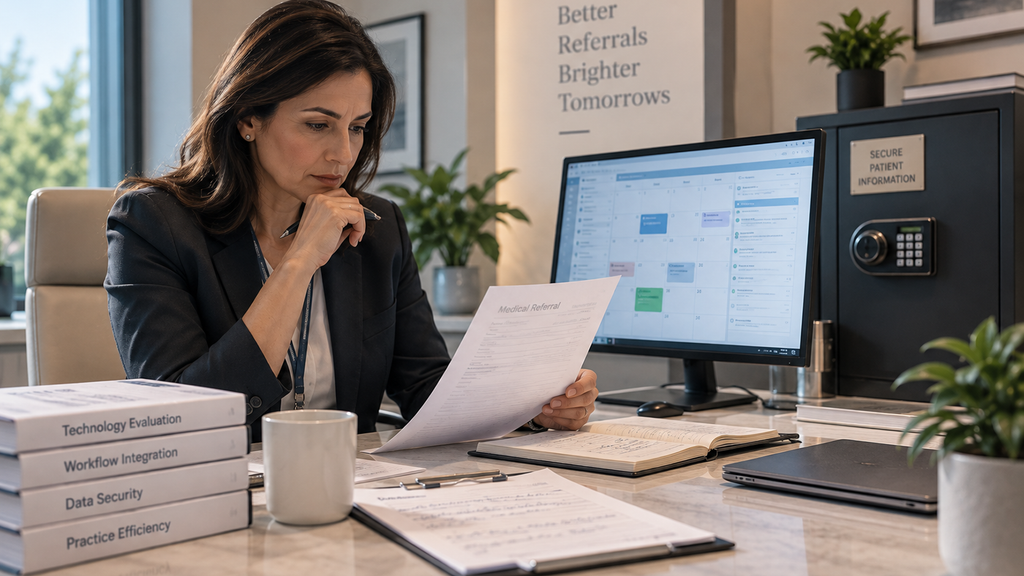
Does it read handwritten faxes, or only typed ones? A meaningful share of incoming referrals are handwritten, and a system that only handles typed documents will still leave significant manual work behind.
What happens to information the system isn’t confident about? A dependable system flags unclear fields for a person to review rather than silently guessing and letting an error move downstream.
Does automation stop at extraction, or does it connect to scheduling? A tool that only digitizes the fax still leaves the follow-up and booking steps manual. The bigger time savings come from a system where the extracted referral moves directly into an actual appointment.
How is patient information protected during processing? HIPAA-compliant handling of any patient data, including documents processed through fax automation, is non-negotiable, and it’s worth confirming directly with any vendor how that data is stored and secured.
Frequently Asked Questions

Can AI accurately read handwritten faxed referrals?
Modern AI-based referral capture is built to read both typed and handwritten faxes, extracting patient and referral details automatically, though accuracy can vary with especially unclear handwriting, which is why flagging uncertain fields for staff review matters.
How much time does automating fax referral processing actually save?
Manual processing of a single faxed referral commonly takes around ten to fifteen minutes per document. Automating that step removes most of that time, letting staff focus their attention on referrals that genuinely need manual judgment.
Is automated fax processing the same as fax-to-email conversion?
No. Fax-to-email conversion only changes how a document is delivered and viewed. Automating fax referral processing extracts structured data from the document and routes it directly into a scheduling or referral workflow.
Does automating fax processing eliminate fax as a referral channel?
No, and that isn’t really the goal. Fax remains a common referral channel for many referring providers because it works across incompatible systems. Automation removes the manual data entry step on the receiving end, not the channel itself.
What happens if a faxed referral is missing information?
A well-built system flags missing or unclear information rather than entering it incorrectly, so staff can follow up on the specific gap instead of re-reading the entire document from scratch.
Conclusion
Automating fax referral processing isn’t about eliminating fax as a channel. It’s about removing the hours of manual transcription, and the errors that come with it, from the receiving end. The practices seeing the most benefit aren’t just digitizing incoming faxes into readable text, they’re connecting that automated capture directly into scheduling, so a referral becomes a booked appointment without a staff member retyping it by hand at any point along the way.