

Healthcare scheduling software has moved from a nice-to-have to a baseline expectation for how patients book, manage, and keep their appointments. At its core, healthcare scheduling software is a suite of digital tools designed to automate and manage the booking, confirmation, and tracking of appointments within a medical practice or healthcare organization, replacing a process that historically depended entirely on phone calls and staff availability.
This guide covers what healthcare scheduling software actually includes, the features that separate a genuinely useful platform from a basic calendar tool, what independent research shows about the impact of digital scheduling, and how DoctorFare approaches scheduling for specialty practices and imaging centers specifically.
What Is Healthcare Scheduling Software?
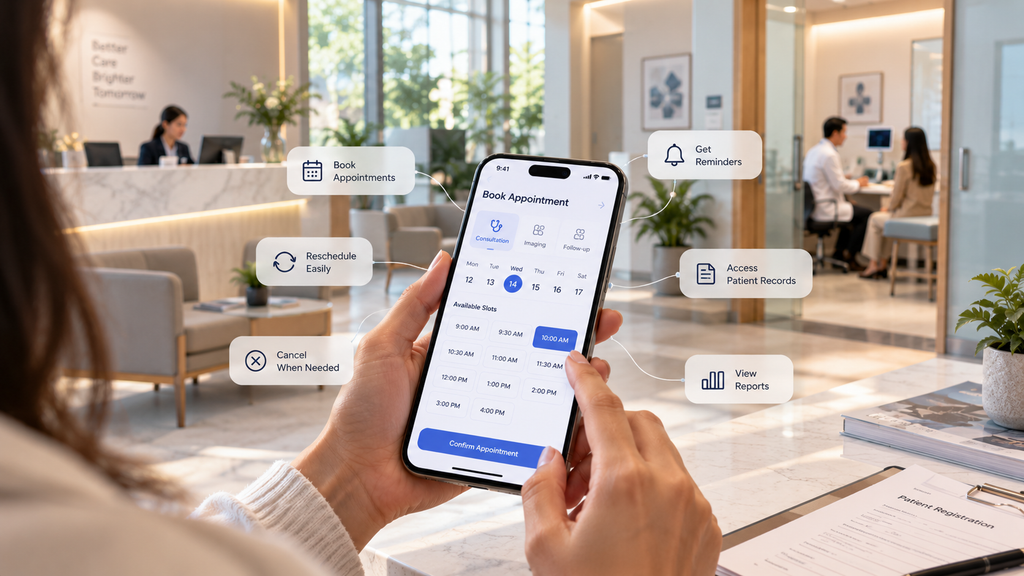
Healthcare scheduling software streamlines the process of organizing and managing patient appointments within healthcare facilities. It enables providers to efficiently schedule, reschedule, and cancel appointments through various channels, such as online portals, mobile apps, or in-person interactions, and typically integrates with calendars to provide real-time availability, preventing double bookings and optimizing the use of resources.
Most platforms in this category also include automated appointment reminders to reduce no-shows, patient management features to maintain records tied to each appointment, and reporting tools that offer insight into scheduling patterns and resource utilization. Compliance with data privacy regulations, particularly HIPAA, is a baseline requirement rather than an optional feature.
It is worth distinguishing this category from a general-purpose calendar tool. A calendar can hold appointments. Healthcare scheduling software is built around the specific realities of clinical operations, provider availability rules, appointment types with different durations and requirements, insurance considerations, and the downstream consequences of a missed or mishandled appointment.
Two Distinct Categories Worth Knowing
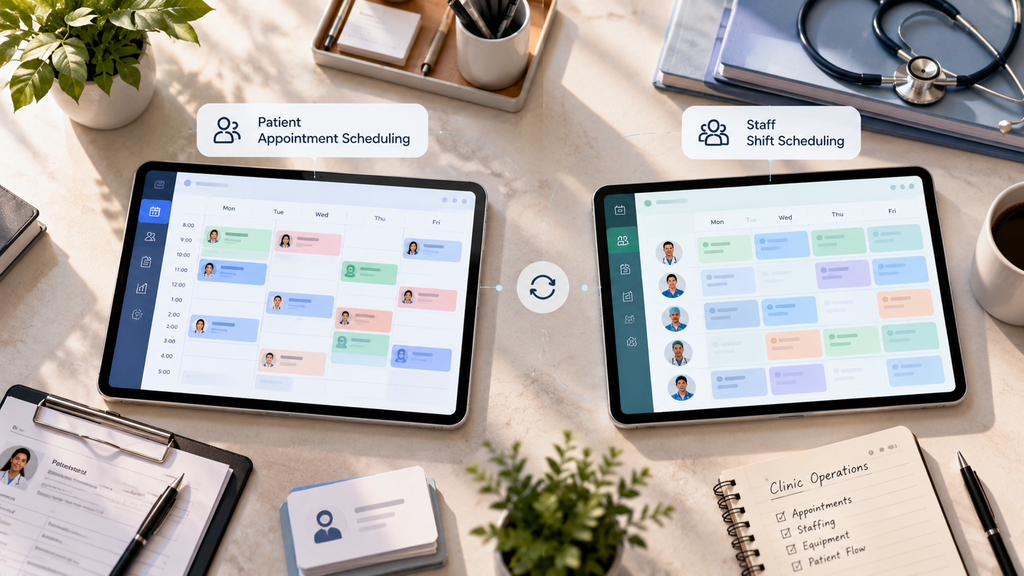
There are two related but different categories often grouped under this term. Patient appointment scheduling tools manage the booking, reminding, and rescheduling of patient visits. Staff shift scheduling tools manage workforce rotas, shift swaps, and clinical staff availability. Many practices need both, but they solve different problems, and it is worth being clear about which one a given platform is actually built for before evaluating it. This guide focuses on patient-facing scheduling.
Why Healthcare Scheduling Software Matters

The shift toward digital scheduling is not a trend led by vendors. It reflects a measurable change in what patients expect and a measurable operational cost to practices that have not adapted.
Patients Expect Digital Access
Patients increasingly prefer, and actively seek out, practices that offer digital self-scheduling over ones that require a phone call. Practices that lack this option are not just less convenient, they are losing patients to competitors who offer it, particularly among younger patient populations for whom online booking is the default expectation rather than a bonus feature.
The Operational Numbers Are Significant
According to HIMSS, practices using digital self-scheduling see 40% fewer scheduling-related phone calls while filling appointment slots 28% faster. That is a meaningful reduction in front-desk call volume paired with a meaningful increase in how efficiently open slots actually get filled, two outcomes that would normally be in tension with each other under a manual process.
Waitlist and cancellation handling adds another layer of impact. Automated waitlist fill-in for cancelled slots alone can recover 3 to 5% of revenue from appointments that would otherwise have gone unfilled, revenue that a manual process typically only recovers if a staff member happens to notice the cancellation and calls the next person on a list in time.
Reminders and No-Show Reduction
Automated appointment reminders remain one of the more consistently documented benefits of this category of software, directly addressing one of the most persistent sources of lost revenue and wasted provider time in any practice, specialty or imaging appointments included.
Core Features That Actually Matter
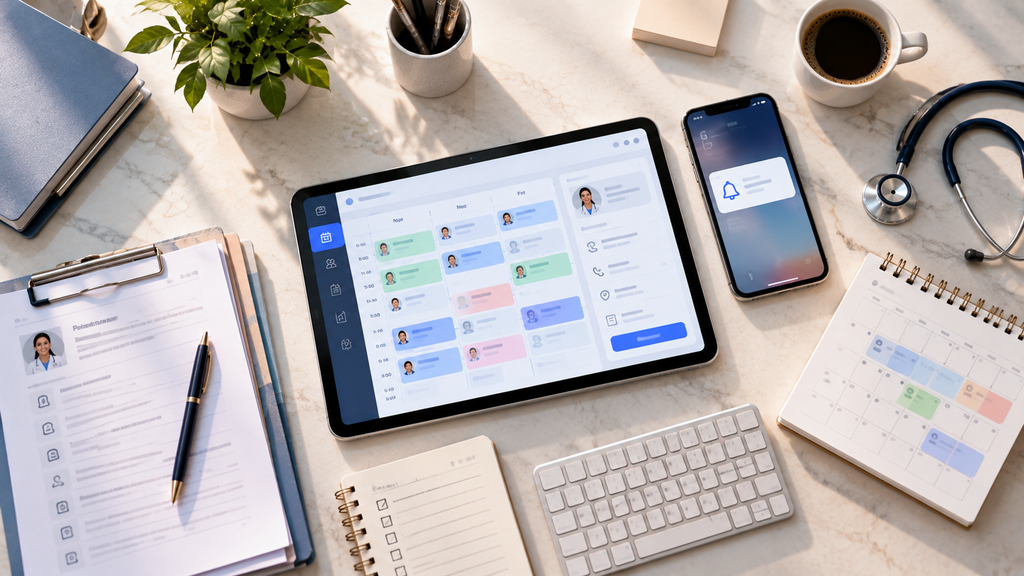
Reviews across the category converge on a consistent set of capabilities worth prioritizing when evaluating healthcare scheduling software, rather than treating every listed feature as equally important.
Online self-scheduling. Patients should be able to book, reschedule, or cancel without calling the front desk, which is the single feature most directly tied to reducing administrative load on staff.
Real-time availability, not a request form. A booking flow that shows genuinely open slots is fundamentally different from one that collects a request a staff member later has to review and respond to. Only the former actually removes work from the front desk.
Automated reminders across channels. SMS and email reminders sent automatically, tied to each specific appointment, are what convert a scheduling tool into a no-show reduction tool as well.
Waitlist and cancellation automation. The ability to automatically offer a cancelled slot to a waitlisted patient, rather than relying on staff to notice and manually work through a list, is where a meaningful share of recoverable revenue sits.
HIPAA compliance and a signed BAA. Every scheduling tool used to communicate with patients requires a signed Business Associate Agreement. This is a federal requirement, not an optional consideration, and it should be confirmed directly with any vendor before a platform goes live with real patient data.
Reporting on scheduling patterns. Visibility into where appointments are being booked, cancelled, or missed lets a practice identify real bottlenecks rather than operating on assumptions about where the problems are.
What to Ask Before Choosing a Scheduling Platform
A few questions help separate a platform that fits a specialty or imaging practice from one built primarily for general primary care volume.
Does it handle appointment types with specific requirements? Specialty and imaging visits often depend on a referral, a specific exam type, or insurance verification before the visit can proceed. A scheduling tool that only handles generic time-slot booking will create friction the moment a visit needs anything beyond a date and time.
Is availability actually synchronized in real time? A platform showing slots that are not truly open creates rework rather than eliminating it, since staff then have to call patients back to resolve the conflict.
What happens after the booking is confirmed? A confirmation screen alone does not answer whether a patient knows what to bring, whether they need to fast, or what the visit will involve. That information still needs to reach the patient somehow.
Is a signed BAA available, and has it been executed? Confirm this directly rather than assuming HIPAA language on a vendor’s website is equivalent to an executed agreement covering your practice specifically.
Does scheduling connect to referral and patient communication, or operate in isolation? A scheduling tool that sits apart from how referrals and patient messages are handled tends to create a second system staff have to check separately, rather than reducing the number of places information lives.
How DoctorFare Approaches Healthcare Scheduling
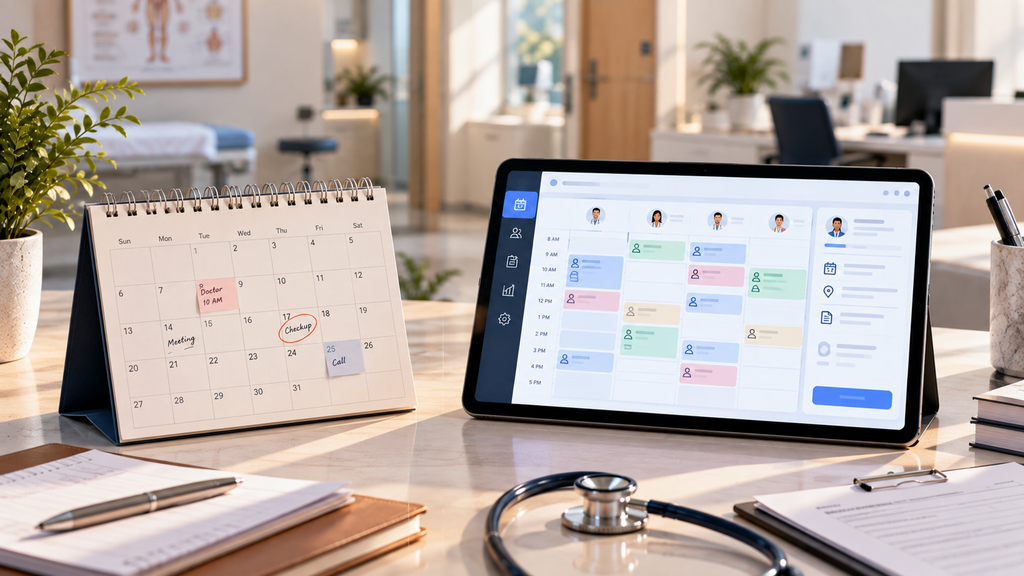
DoctorFare has spent years in the medical referral and patient access space, powering over 500,000 appointments, and built its scheduling capabilities around the specific operational needs of specialty practices and imaging centers, where appointment types, referrals, and insurance requirements are more complex than general scheduling tools typically account for.
Appointments can be booked through multiple paths within the same connected workflow. A referring provider can book directly for their patient, a specialist can book for their own patient or refer them onward, or the patient can book themselves through self-service scheduling, including in cases where an exact date is not yet confirmed, so the appointment moves forward rather than stalling. Real-time availability is shown across the specialist network, letting referring providers and patients see genuinely open slots filtered by specialty, location, and accepted insurance, rather than a request that still needs staff follow-up.
Once booked, every appointment lands in a single filterable dashboard, organized by status, with staff able to change status, reschedule, cancel, upload documents, or add notes directly from the appointment row. Appointments can be booked individually or in bulk, and every appointment moves through a tracked lifecycle, created, reviewed, in progress, completed, cancelled, rescheduled, or no-show, with every transition logged.
Patient communication is built around the same appointment record rather than a separate system. Automated reminders and exam preparation instructions are sent based on the specific visit type, and patients can reschedule or cancel their own appointments without a phone call. If a referral is required, it can be uploaded and attached directly to the appointment during booking, so the requirement is handled at the point of scheduling rather than surfacing as a problem afterward. Referral analytics then show how appointments are converting and where in the process they are stalling, giving practices the visibility to fix an actual bottleneck rather than guess at one.
Frequently Asked Questions
What is healthcare scheduling software?
It is a digital platform that automates the booking, confirmation, and tracking of patient appointments, typically including real-time availability, automated reminders, and reporting on scheduling patterns, replacing a manual, phone-dependent process.
How is healthcare scheduling software different from a general calendar tool?
A general calendar can hold appointments, but healthcare scheduling software is built around clinical operations specifically, provider availability rules, appointment types with different requirements, insurance considerations, HIPAA compliance, and the downstream impact of missed appointments.
Does healthcare scheduling software reduce phone call volume?
Yes, according to HIMSS research, practices using digital self-scheduling see 40% fewer scheduling-related phone calls, along with faster fill rates on available appointment slots.
Is a HIPAA Business Associate Agreement required for scheduling software?
Yes. Any scheduling tool that communicates with patients requires a signed BAA as a federal requirement, and this should be confirmed and executed directly with the vendor, not assumed from general compliance language.
Can healthcare scheduling software handle referral-based appointments?
It depends on the platform. Tools built specifically for specialty and imaging practices, like DoctorFare, allow referral documents and insurance information to be uploaded and attached during the booking process itself, rather than requiring a separate step.
Conclusion
Healthcare scheduling software is no longer just a calendar with a booking form attached to it. The platforms that meaningfully reduce administrative work and recover lost revenue are the ones that handle real-time availability, automated communication, and appointment-specific requirements like referrals and insurance, all inside one connected system rather than as separate, disconnected steps.
See how DoctorFare’s scheduling works for specialty practices and imaging centers →